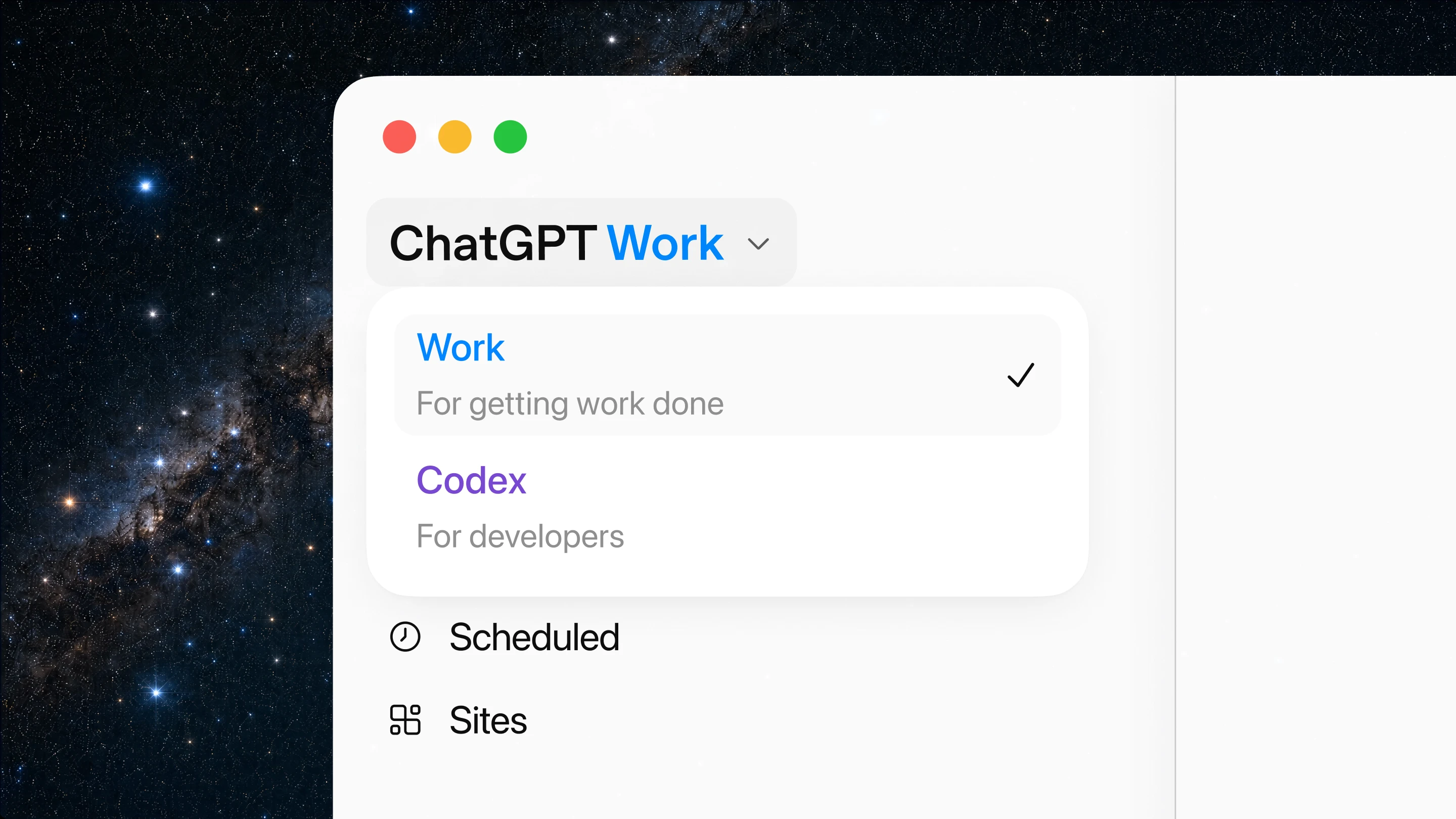
ChatGPT Work lets you switch between Chat, Work, Codex, Scheduled Tasks, and Sites on desktop
ChatGPT Work is a new agent mode that moves beyond conversation into execution. It gathers context from your apps and files, creates polished deliverables, and runs on a schedule — all powered by GPT-5.6. Available on all plans on desktop.
ChatGPT Work lets you switch between Chat, Work, Codex, Scheduled Tasks, and Sites on desktop
ChatGPT Work is a new agent mode in ChatGPT that moves beyond answering questions into producing finished work. Instead of generating text that you then copy into another tool, Work connects to your apps — Slack, Teams, Google Drive, SharePoint, email, CRMs — gathers the context it needs, and creates polished deliverables directly. Documents, slide decks, spreadsheets, internal sites, reports, and more can be produced from a single Work session without you leaving the ChatGPT interface.
Work can stay with a project for hours, breaking complex tasks into smaller steps and completing them independently. It checks in when it needs approval or clarification, and you stay in control of what gets used, sent, or shared. This makes it fundamentally different from a chat interaction: Work is designed for execution, not conversation.
Work connects to your existing tools through its plugin ecosystem. Slack, Teams, Google Drive, SharePoint, Outlook, Gmail, and CRMs are supported out of the box. ChatGPT automatically knows when to reference a connected app, or you can prompt with "@appname" to pull context from a specific tool. This means Work can read a Slack thread, check a calendar, reference a spreadsheet, and produce a presentation — all within a single session.
Scheduled Tasks let Work run on a recurring basis. Ask it to review Slack updates every morning and produce a weekly agenda. Have it check a dashboard each day and update a project tracker when new data arrives. It can monitor for changes and act without being prompted each time.
Sites in ChatGPT turns ideas into interactive web pages — live dashboards, project trackers, launch calendars, internal portals — that can be shared via URL. ChatGPT can update these sites as underlying data changes, keeping them current without manual rebuilds.
The Codex app has merged into the ChatGPT desktop app, bringing inline diffs, PR review, multi-repo projects, and computer use alongside Work mode. All capabilities are available on every plan including Free, making Work accessible to individuals and teams alike.
Work supports workflows across every team function. Sales teams can generate live account plans and monitor pipeline changes. Marketing teams can produce campaign briefs and create assets from strategy documents. Finance can automate month-end close summaries and forecasting reports. Operations can build project trackers and status updates that refresh automatically. Engineering can coordinate releases, produce bug triage summaries, and maintain living documentation.
The common thread is that Work reduces the gap between thinking and producing. Instead of gathering information from multiple sources, synthesizing it in your head, and then creating a document or presentation by hand, you describe what you need and Work handles the execution.
ChatGPT Work is available on macOS desktop today, rolling out to Windows desktop, Plus, Pro, Business, Enterprise, and Edu plans on web and mobile. It is powered by GPT-5.6 models — Sol, Terra, and Luna — and usage follows the same credit structure as Codex. Tasks consume credits based on the amount of work required, and Enterprise and Edu admins can set spend controls.
For developers who want API access to the models behind ChatGPT Work, including GPT-5.6 Sol, Terra, and Luna, APItokendeal provides OpenAI-compatible access with token packs, usage tracking, and a single API key.
ChatGPT Work is powered by GPT-5.6 models (Sol, Terra, Luna). APItokendeal provides OpenAI-compatible API access to these and other frontier models with token packs, usage tracking, and a single API key.