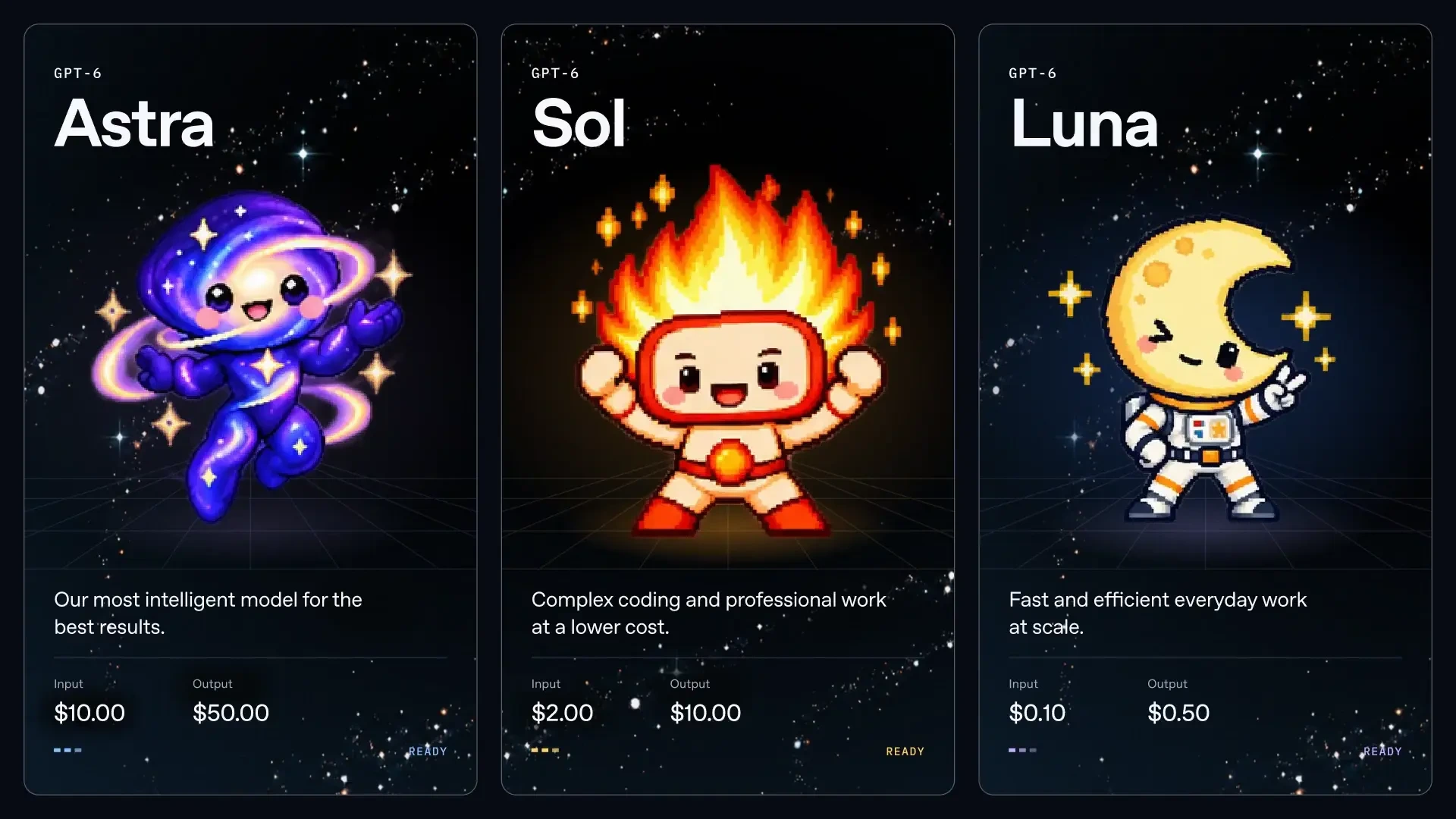
GPT-6 Sol and GPT-6 Luna: premium reasoning and efficient production tiers
GPT-6 Sol and GPT-6 Luna cover two different workload profiles: Sol for advanced reasoning, coding, and agent workflows, and Luna for faster, lower-cost production work. Here is the full comparison and setup guide.
GPT-6 Sol and GPT-6 Luna: premium reasoning and efficient production tiers
GPT-6 Sol is the higher-capability model in this pair. It is designed for multi-step reasoning, advanced coding, research synthesis, architecture reviews, and long-running agent workflows. The exact request model is gpt-6-sol.
GPT-6 Luna is the efficient option for high-volume assistants, everyday coding, extraction, classification, summarization, and routine agent steps. Its exact request model is gpt-6-luna.
Both models support a large context window and vision inputs. The practical choice is simple: use Sol when the task needs deeper reasoning, and use Luna when speed, throughput, and predictable cost matter more.
The catalog lists the following official input/output pricing references. APItokendeal usage is prepaid, and model weightage determines how quickly token-pack credits are deducted.
| Model | Input / 1M | Output / 1M | Context | Vision | Weightage |
|---|---|---|---|---|---|
GPT-6 Solgpt-6-sol | $8.00 | $40.00 | 1.05M | Yes | 15x |
GPT-6 Lunagpt-6-luna | $1.50 | $8.00 | 1.05M | Yes | 3x |
Check the live model catalog for current pricing and weightage before budgeting a production workload.
Choose GPT-6 Sol for coding agents, multi-file refactoring, architecture decisions, difficult debugging, research, and tasks where an incorrect answer costs more than additional tokens.
Choose GPT-6 Luna for customer support, summarization, extraction, classification, documentation, routine code assistance, and high-volume requests where latency and cost are the priority.
A practical routing pattern is to send every request to Luna first, then escalate only requests that need deeper planning or stronger reasoning to Sol. This keeps the average cost under control without giving up access to a premium model.
APItokendeal uses an OpenAI-compatible API. Copy the API key from your Account page, set the base URL, and choose either exact model ID.
from openai import OpenAI

client = OpenAI(
    base_url="https://api.apitokendeal.com/v1",
    api_key="your_apitokendeal_key"
)

for model in ["gpt-6-sol", "gpt-6-luna"]:
    response = client.chat.completions.create(
        model=model,
        messages=[{"role": "user", "content": "Hello"}]
    )
    print(model, response.choices[0].message.content)
Keep the same endpoint and key when switching models. Only the model value changes.
The Sol and Luna pairing gives developers a clear upgrade path. Start with Luna for efficient everyday work, then use Sol for requests that need more reasoning depth. Both models can be integrated through the same OpenAI-compatible client and monitored from one APItokendeal account.
Using model routing is usually more effective than running every request on the premium tier. It lets a single application balance response quality, latency, and token consumption according to the actual difficulty of each task.
Use one OpenAI-compatible API key for GPT, Claude, Grok, DeepSeek, Gemini, and more.